Jun 27, 2026

Most builders already have software. That isn't the problem.
Problem starts after contract, when the buyer relationship moves across CRM, construction management, ERP, closing workflows, customer care, and a patchwork of emails, spreadsheets, texts, and phone calls. Sales thinks the handoff happened. Construction assumes the buyer got the update. Closing is chasing documents. Warranty later inherits the confusion.
That's why system connectivity matters in homebuilding. It isn't just an IT project. It's an operations issue, a customer experience issue, and a visibility issue for leadership. When systems don't connect around the buyer-to-owner lifecycle, teams create workarounds. Workarounds create inconsistency. Inconsistency shows up as buyer frustration, slower handoffs, more manual follow-up, and weaker referral potential.
The Real Cost of Disconnected Systems in Homebuilding
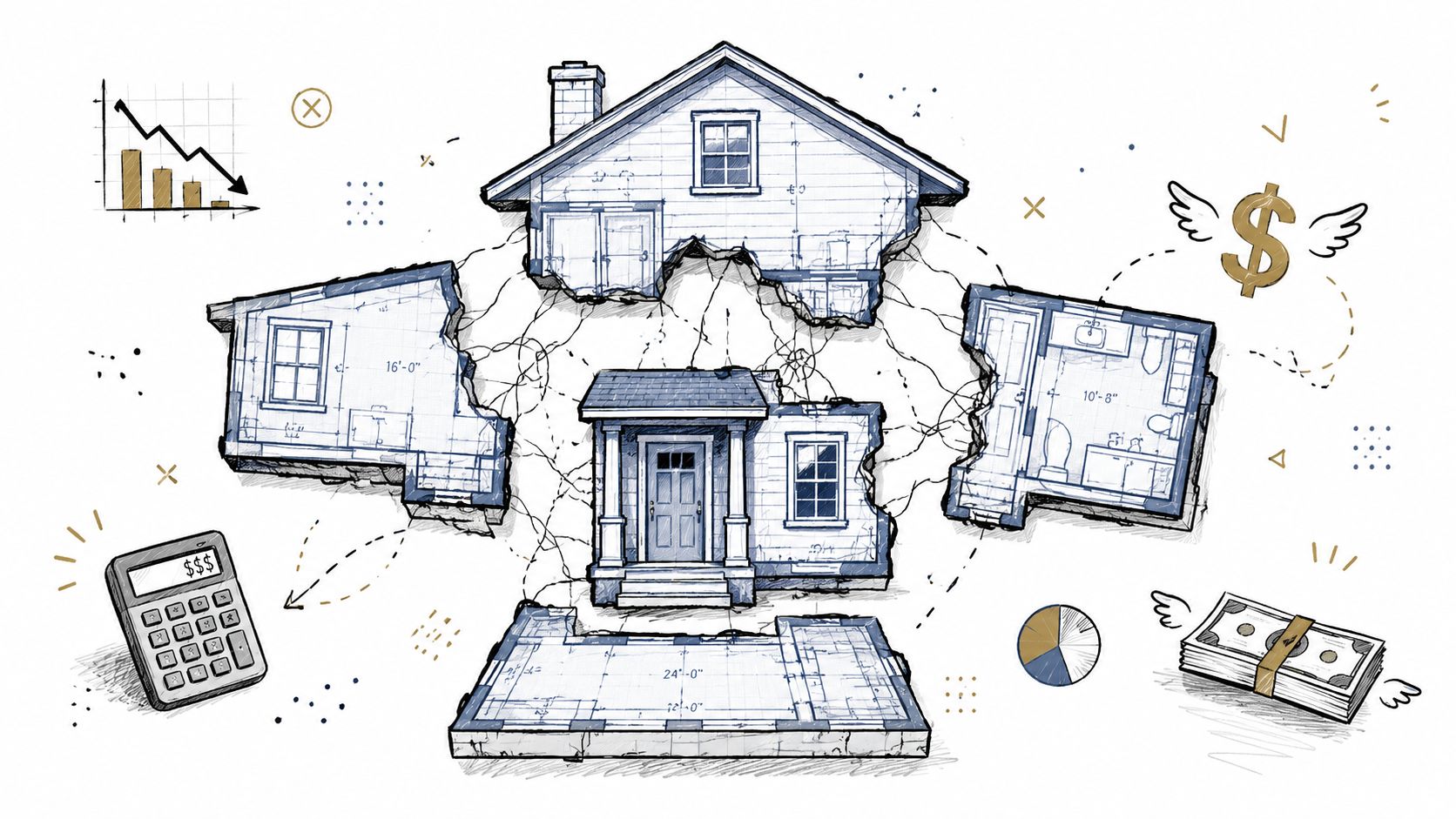
The post-contract journey is where many builders lose control of the customer experience. The lead is sold. The home is in process. Internal teams are busy. But the buyer still wants clarity on what happens next, what documents are needed, what milestone was reached, and who owns the next step.
In many organizations, that information exists. It just lives in the wrong places.
A buyer's data may begin in CRM, move into ERP for contract and financial details, show up in construction management for build status, and later land in warranty tools for service. None of those systems is wrong. Each is doing its job. The failure happens in the gaps between them, where the customer relationship depends on people manually stitching together updates.
Hidden cost shows up as manual work
When systems stay disconnected, teams spend their day translating data instead of using it. Sales coordinators forward notes. Closing teams re-enter information. Customer care answers questions that should've already been addressed. Leaders get partial reports and delayed signals.
That pattern has real operational consequences. Team Computers' analysis of the enterprise connectivity gap notes that disconnected systems can reduce productivity and decision-making efficiency by up to 30% when silos break communication between platforms like CRM, ERP, and construction management software.
For a homebuilder, that doesn't look like an abstract enterprise issue. It looks like:
Repeated buyer questions: Teams answer the same status questions across inboxes and calls.
Missed handoffs: A next step exists, but no one has clear ownership.
Inconsistent communication: One community gives proactive updates while another relies on reactive follow-up.
Leadership blind spots: Executives can see job status, but not whether the buyer experience is on track.
Practical rule: If a team has to check three systems and two inboxes to answer one buyer question, the builder has a system connectivity problem.
Brand inconsistency starts inside operations
Disconnected systems don't just slow teams down. They change how the brand feels to the customer.
A builder may invest heavily in product, sales, and marketing, then leave the post-contract experience to ad hoc processes. That's where trust erodes. Buyers don't judge the company based on internal system boundaries. They judge it by whether updates are timely, next steps are clear, and issues are handled consistently.
That's why the business case for system connectivity is broader than cleaner data. The goal is a connected experience across contract, construction, closing, warranty, and ownership. When that experience is fragmented, growth gets harder to scale without adding headcount and management overhead.
Mapping Your Core Systems CRM ERP Construction and CX

Most builders don't need fewer systems. They need clearer roles for the systems they already have.
The cleanest way to think about system connectivity is to separate the job each platform is supposed to do. Confusion starts when leaders expect one system to cover every workflow, including the customer relationship after contract.
The three operational backbones
CRM manages leads, prospects, sales activity, and the early buyer relationship. It's where many customer records begin, and it's critical for pipeline visibility and sales execution.
Construction management software runs the build. It handles schedules, milestones, field workflows, and production coordination. It's built for operational delivery, not for managing every customer-facing moment tied to that delivery.
ERP manages financial and back-office operations. That includes contract details, options, purchasing, operational records, and other data that must stay accurate across the business.
These systems are essential. None should be replaced just because the customer experience feels fragmented after contract.
The missing fourth system
What many builders lack is a dedicated customer experience layer after the sale begins. That's the fourth core system. It doesn't replace CRM, ERP, or construction management. It connects them around the buyer-to-owner lifecycle.
That distinction matters. A connected customer experience layer should bring together:
Buyer-facing milestones tied to operational progress
Documents and action items in one place
Shared visibility across sales, closing, construction, and customer care
Consistent communication that reflects the builder's brand
For teams evaluating integration strategy, it helps to start with a basic primer on understanding API integration. The technical connection matters, but the business question matters more: where should the information appear, for whom, and what action should it trigger?
A builder-ready example of that approach appears in this look at a production-ready API strategy.
The strongest architecture keeps each core system as a source of truth for its domain, then connects those domains into one usable customer journey.
Why construction and ERP usually take longer
The longest integrations are usually construction management and ERP. That isn't surprising. Those platforms often hold the most critical operational data, and they're usually the most customized by division, market, and internal process.
Construction workflows vary by milestone structure, buyer update rhythm, and handoff model. ERP complexity often sits in contract data, purchasing, service records, vendor information, and ownership details. The right approach isn't to force a rigid template. It's to map existing workflows first, then decide what needs real-time movement, what can update on a schedule, and which actions should happen inside the customer experience workflow.
Why Workflow Automation Outperforms Simple Data Syncs
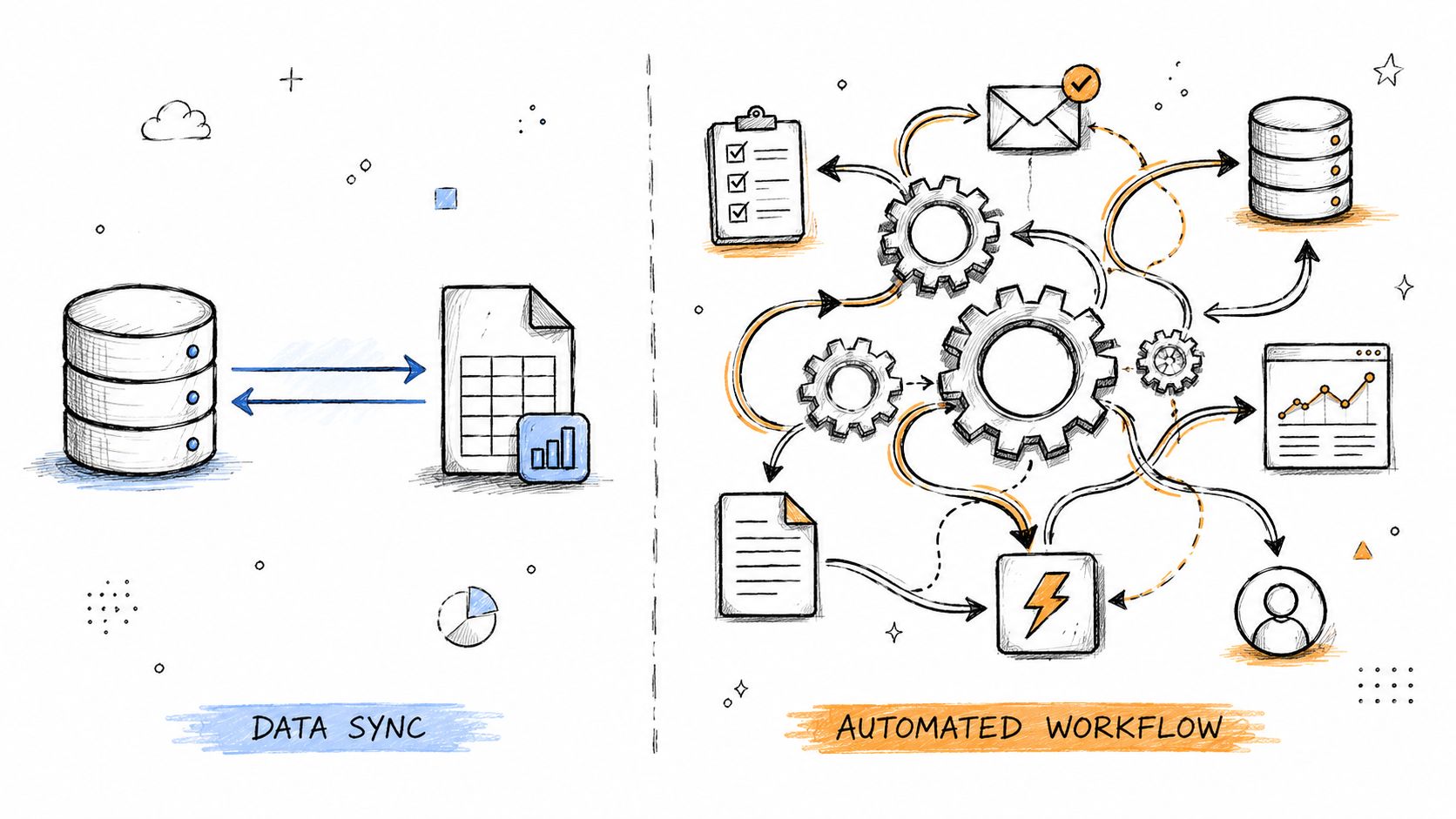
A lot of integrations disappoint because they stop at data movement.
A simple sync can push a field from one system to another. That's useful, but it doesn't solve the daily problem most builders are dealing with. The core issue isn't whether a date moved. It's whether that change improved the workflow for the team and the buyer.
Data sync updates records
A basic integration might do this:
Closing date changes in ERP: The date updates in another system.
Buyer address changes in CRM: The record is refreshed elsewhere.
Community assignment changes: The new field value appears across platforms.
That's cleaner data. It's not a connected customer journey.
Workflow automation changes behavior
A stronger integration uses the same event to trigger action. If the closing date changes, the system should know what that means for communication, documents, internal ownership, and buyer expectations.
In a connected model, one operational change can trigger:
Updated buyer communication: The customer sees the new milestone or timing in the right channel.
Internal task routing: Closing, sales, or customer care sees what now needs attention.
Document readiness checks: Teams know whether required files or approvals are still outstanding.
Visibility for leadership: Managers can see where the workflow slowed down.
That's why workflow design matters more than sync volume. The best integrations disappear into the work. Teams don't want to think about where the data came from. They want the right information in the right place at the right time.
A useful framing for builders comparing approaches is this guide to workflow automation software.
A sync answers, “Did the record update?” A workflow answers, “Did the next step happen?”
Why this matters more after contract
Post-contract operations have more handoffs and more exceptions than most leaders realize. A single buyer journey can touch sales, design, financing coordination, construction updates, closing prep, homeowner education, and future service. If those transitions depend on manual reminders, they will break at scale.
Automation should remove repetitive work so teams can spend more time on moments that require judgment, empathy, and expertise. In homebuilding, that means fewer status-chasing emails, fewer duplicate entries, and fewer situations where a customer asks a question the builder should've answered proactively.
The payoff isn't just efficiency. It's consistency. Buyers experience one builder, not a set of departments.
Anatomy of a Connected Post-Contract Workflow
The difference between disconnected and connected systems becomes obvious in the sale-to-close journey.
Before systems are connected, the buyer's information often starts in CRM, moves into ERP for contract and lot details, and then gets manually turned into customer-facing communication through inboxes, spreadsheets, phone calls, and disconnected portals. That's where updates get delayed, handoffs get missed, and buyers start asking what should happen next.
That matters because the experience itself influences the business. Constellation HomeBuilder Systems reports that 73% of consumers view their home buying experience as more important than price and quality when making a purchasing decision.
What the disconnected version looks like
The common pattern is familiar. Sales closes the deal and moves on. Closing begins chasing signatures and documents. Construction has milestone information, but the buyer doesn't see it clearly. Customer care inherits context later, often without a full record of what the customer was told.
That creates operational drag and customer uncertainty at the same time.
A connected digital journey should feel more like one coordinated process. This example of a digital closing experience for homebuilders shows the type of buyer-facing clarity many teams are trying to create.
Post-Contract Workflow Disconnected vs. Connected Systems
Workflow Stage | Disconnected Process (The 'Before') | Connected Process (The 'After') |
|---|---|---|
Contract handoff | Sales exports or emails buyer details to downstream teams | Buyer record and core home data flow into the next workflow automatically |
Buyer communication | Updates are sent manually by different teams in different formats | Buyers receive guided, consistent updates in one branded experience |
Documents | Files live across inboxes, shared drives, and separate portals | Buyers access relevant documents in one place |
Milestones | Construction progress exists internally but is translated manually for customers | Operational milestones are turned into buyer-friendly updates and next steps |
Action items | Teams chase signatures, selections, and checklist items through email and calls | Action items appear clearly for both internal teams and buyers |
Closing coordination | Closing teams spend time confirming who communicated what | Shared visibility shows what's complete, what's outstanding, and who owns the next step |
Escalation risk | Friction builds quietly until it surfaces as frustration or complaint | Teams can spot stalled tasks and communication gaps earlier |
Builders don't need customers to see every internal system. They need customers to feel one coherent journey.
In the connected version, CRM remains the sales source of truth. ERP keeps contract, home, and operational data accurate. The customer experience layer turns that information into milestones, documents, tasks, and guided communication that both buyers and internal teams can use.
The biggest improvement is simple. Teams no longer have to manually stitch the experience together every day.
Reducing Business and Brand Risk Across the Lifecycle
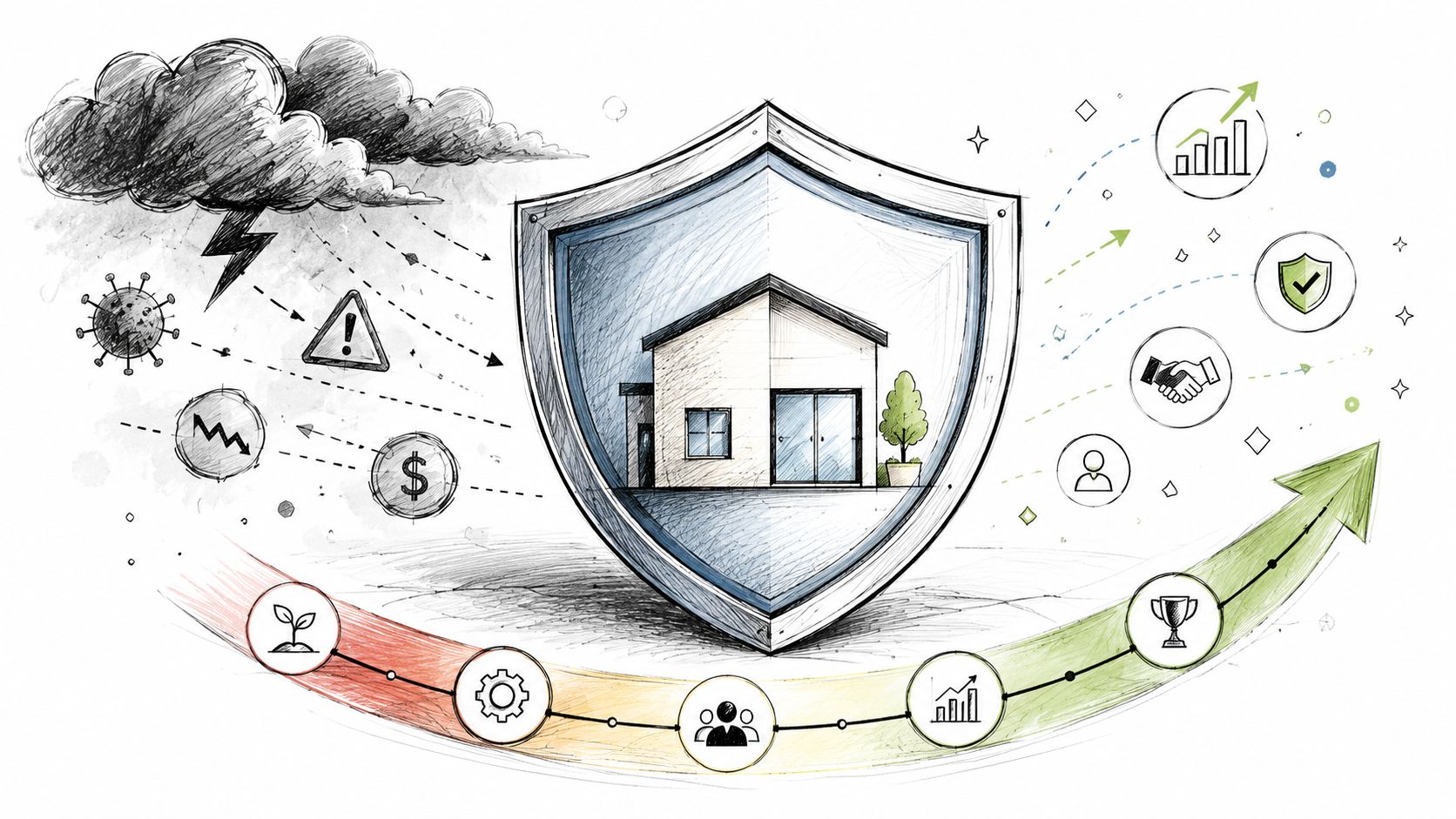
The biggest risk in disconnected systems isn't technical. It's customer experience breakdown after contract.
A buyer can be in one of the most emotional and expensive purchases of their life and still feel like no one is driving the process. That usually isn't because teams don't care. It's because communication, milestones, documents, and service activity are scattered across systems that were never designed to present one complete relationship view.
Where risk actually appears
Leaders usually see the symptoms first, not the cause:
Poor reviews: The buyer didn't feel informed or supported.
Warranty escalations: The issue may be operational, but the escalation starts with confusion or lack of visibility.
Referral loss: A customer may like the home and still hesitate to recommend the builder because the process felt disjointed.
Internal duplication: Multiple teams work the same issue because no shared view exists.
The pattern is predictable. When visibility is fragmented, teams don't know what's been communicated, what the buyer is waiting on, or which action item is overdue.
Visibility helps leaders intervene earlier
A connected lifecycle view gives leaders more than dashboards. It gives them earlier warning.
They can see whether communication is happening on time, whether documents are accessible, whether tasks are stalling, and whether a community or division is drifting into reactive mode. That makes it easier to catch friction before it becomes a reputation problem.
Leadership view: The goal isn't to watch every task. It's to spot recurring breakdowns early enough to protect the experience and the brand.
This is especially important after closing. Post-close communication, maintenance guidance, service requests, and ownership engagement all influence whether the relationship strengthens or deteriorates. Builders who treat connectivity as an operational risk-control layer tend to manage those transitions with more consistency.
The result is fewer surprises. Buyers know what's happening. Teams know who owns the next step. Leaders get a clearer line of sight into where the journey is working and where it isn't.
Metrics That Matter How to Measure Integration Success
Most integration projects get judged on technical completion. That's too narrow.
A homebuilder should measure system connectivity by whether daily work becomes easier, faster, and more visible. If teams still chase updates across inboxes and spreadsheets, the integration may be live, but it isn't successful.
Start with operational proof
The strongest metrics are the ones teams feel in the workflow:
Fewer manual updates: Teams spend less time sending status emails or re-entering data.
Faster handoffs: Sales, closing, construction, and customer care move work forward with less friction.
Higher action item completion: Buyers and internal teams complete the next step with less chasing.
Better document access: Fewer requests come in for files that should already be available.
Clearer accountability: Teams can see what is outstanding and who owns it.
For a broader scorecard, builders can pair those measures with customer-facing indicators. This overview of customer engagement metrics is useful for tracking whether buyers are opening updates, completing tasks, and using the experience as intended.
Use business outcomes, not just system logs
There is quantitative support for that operational focus. DataIntelo's home builder software market analysis states that builders using integrated software platforms reported an average 18–22% reduction in administrative time, a 14% improvement in on-time project delivery, and a 12% decrease in unplanned cost overruns.
Those numbers matter because they connect integration to management outcomes, not technical activity.
A practical executive scorecard should include a mix of workflow and lifecycle measures:
Measure | What it tells leadership |
|---|---|
Administrative workload | Whether teams are gaining capacity or just moving work around |
On-time delivery performance | Whether connectivity is improving coordination across handoffs |
Buyer engagement with updates and tasks | Whether communication is reaching customers clearly |
Repetitive inbound questions | Whether the journey is proactive enough |
Outstanding task visibility | Whether managers can spot stalled steps early |
InetSoft's guidance on home builder CRM dashboards also points to Sales Velocity, Net Promoter Score, and Customer Churn Rate as important indicators for sales effectiveness and retention. Those aren't integration-only metrics, but they help leaders connect system decisions to revenue, loyalty, and long-term homeowner value.
The best integrations become invisible
Teams shouldn't have to think about the integration all day. They should notice that work flows with less effort.
That's the test. Customer, home, community, milestone, document, closing, and service data should show up where it's needed without manual re-entry. Buyers should know what happens next. Internal teams should know what needs attention. Leadership should see friction while there's still time to fix it.
Building Your Connected Customer Experience Strategy
System connectivity becomes strategic when leadership stops treating it as a back-office cleanup effort.
For homebuilders, the core question isn't whether systems can exchange data. It's whether the buyer-to-owner journey is connected enough to support growth, consistency, and brand trust over the next several quarters. Builders already have systems for leads, jobs, financials, and service. What they often lack is a connected layer for the customer relationship after the sale begins.
What a strong strategy includes
A practical strategy usually has four characteristics:
Clear system roles: CRM, construction, ERP, and service tools each remain responsible for their domain.
Workflow-driven integration: Data movement supports communication, tasks, visibility, and accountability.
Leadership visibility: Executives can identify friction by community, division, or stage of the journey.
Post-close continuity: The relationship continues through ownership, service, advocacy, and repeat purchase.
A useful reference point is this perspective on the customer experience layer for homebuilders, which reflects the broader shift away from department-only software thinking.
What to ask before approving the next integration
Senior leaders should press on practical questions:
Where does the customer journey break today?
Which handoffs still depend on email, spreadsheets, or personal texts?
What information should buyers see directly, instead of requesting manually?
Where do leaders still lack visibility into communication and friction?
Will this integration improve workflow, or only move data?
The builders that scale well don't just connect software. They connect teams, accountability, and the customer experience across the full lifecycle.
The goal isn't cleaner records for their own sake. The goal is a more connected experience from contract through closing, warranty, ownership, referrals, and repeat purchase. That's what makes system connectivity a business decision, not just a technical one.
Foundation helps homebuilders connect the buyer-to-owner lifecycle without replacing their CRM, ERP, construction management, or warranty systems. It acts as the customer experience layer across existing tools so teams can reduce manual communication, improve visibility, standardize workflows, and deliver a builder-branded experience from contract through ownership. Learn more at Foundation.
More from Foundation

Marketing
New Home Portal: A Builder's Guide to the Buyer Journey
Learn what a new home portal is, the core features builders need, and how it shapes the buyer-to-owner experience across closing and early ownership.
Sep 16, 2026

Marketing
Home Warranty Software: A Practical Buyer's Guide
Compare home warranty software for homebuilders. Evaluate work orders, vendor coordination, customer communication, integrations, and implementation.
Sep 15, 2026

Marketing
How to Improve Team Accountability in Homebuilding
Improve team accountability in homebuilding with clear owners, reliable handoffs, practical metrics, and less manual follow-up from contract through warranty.
Sep 14, 2026