Sep 10, 2026

Construction Progress Tracking Software for Homebuilders
A customer asks when drywall will be finished. The sales representative checks a text thread, the superintendent checks a schedule, and the closing coordinator searches an email. All three are trying to help, but none is working from the same current record.
That situation can reveal two different problems. The builder may lack reliable field updates. Or the construction team may already have accurate information that never reaches sales, closing, or the customer without another phone call.
Construction progress tracking software should help homebuilders compare planned work with verified progress, identify delays, and keep teams working from current information. Connecting that information to customer communication is a related job, but not the same one.
Before buying another platform, identify which gap you need to close. This guide covers the capabilities to evaluate, the integration questions to ask, and a practical way to test the complete workflow before expanding it.
What Construction Progress Tracking Software Actually Is
Progress tracking records what has happened on a home, compares it with the plan, and makes unfinished or delayed work visible. Those capabilities may already exist inside your construction management software, or they may come from a dedicated field tool.
A useful evaluation starts with three distinctions:
Planned dates describe the agreed schedule or baseline.
Forecast dates describe the team's current expectations as conditions change.
Actual dates record when work took place, with completion confirmed under the builder's process.
Do not treat these as interchangeable. Moving a forecast date should not erase the original plan, and reaching a scheduled date should not automatically mark a milestone complete.
Separate field visibility from customer communication
When the construction team cannot trust the status, start with field capture, completion standards, and schedule management. A customer portal cannot make unreliable inputs accurate.
When the construction record is dependable but sales and closing still chase updates, start by evaluating how that information moves into their workflows and customer communication. Replacing the scheduling system may not solve that problem.
When both gaps exist, address both. Establish which information can be trusted before using it to trigger automatic customer updates.
A field tool does not need its own customer portal to be useful. It does need a workable path for sharing the information your broader process requires.
Core Features That Matter on a Real Jobsite
A feature deserves attention when it improves a recurring task or decision. Ask the people doing the work to demonstrate it using a representative home, not only a vendor's prepared example.
Capability | What to test | Warning sign |
|---|---|---|
Schedule comparison | Show the original plan, current forecast, actual completion, and effect of a delay on dependent work. | Dates change without a visible history or explanation. |
Mobile field updates | Record progress, a blocker, and supporting information on the devices used in the field. Test weak connectivity where relevant. | Staff must reconstruct the week later or enter the same update twice. |
Photos and completion records | Connect evidence to the correct home, milestone, capture date, and person confirming the work. | A photo upload is treated as proof that the whole milestone is complete. |
Exception reporting | Find overdue work, missing updates, and unresolved blockers across communities. | An attractive dashboard conceals stale or incomplete information. |
Access and sharing controls | Show what construction, sales, closing, and customers can each see or change. | Internal notes or tentative dates become customer-visible by default. |
Integrations and exports | Move the required records into the next workflow and export usable data with identifiers and history. | The demonstration shows only a logo, a file upload, or an unexplained promise to connect later. |
These are evaluation criteria, not a claim that every product includes every capability. Prioritize them around the gap you identified.
Define completion before comparing percentages
Agree on what each milestone means. Does "drywall complete" mean board installation, finishing, or completion of the builder's quality review? Sales and construction should not use the same label for different events.
A photo can support an update, but it does not establish that an inspection passed or that every required task is finished. Identify who verifies completion and where that confirmation is recorded.
Apply the same discipline to percentages. Ask whether "80% complete" refers to task counts, installed quantities, or weighted milestones. None of those measures, on its own, tells a customer how many days remain until closing.
Why the Customer Experience Changes the ROI Math
Better field coordination has value even before a customer sees an update. Evaluate whether the system helps the team detect delays, coordinate the next activity, or reduce duplicated reporting. Customer communication adds another opportunity to recover time; it does not replace those operational benefits.
Return to the drywall question. A verified update should let sales answer without asking the superintendent to repeat work already recorded. The customer-facing message should explain what changed, what comes next, and whether the customer needs to act.
Translate progress into a useful update
An illustrative message might read:
Drywall finishing is complete, and interior painting is the next planned stage. No action is needed from you today. Your closing date has not yet been confirmed. We will send your next progress update by Friday.
Adapt the message to the home's actual status, the builder's schedule, and existing commitments. The example is a communication template, not a customer result or a standard construction sequence.
The useful elements are specific progress, a next step, any required action, and a clear expectation for the next update. A relevant, approved photo can add context. A generic progress bar cannot supply those details by itself.
Keep internal forecast changes separate from confirmed appointments and closing commitments. When a change affects a promise already made to the customer, assign someone to explain the impact rather than relying on a routine notification alone.
Foundation's guide to putting the post-contract experience on autopilot explores the broader communication workflow. For progress tracking, the immediate test is narrower: can one verified field update become a useful customer update without another round of investigation?
Integrations With CRM, ERP, and Construction Management
Start with the systems already holding the information. Your construction schedule may live in a dedicated platform or an ERP module. Customer and contract information may be distributed across the CRM and ERP. Document the actual arrangement rather than assuming the product category tells you where every record lives.
For each field you plan to share, identify its authoritative source, who can change it, and which downstream tools should receive it. Give each home and customer a reliable identifier so records do not depend on someone recognizing an address or matching a name by eye.
Map the event, not just the connection
For a completed milestone, define the home identifier, milestone code, completion status, verification time, and approved customer wording. Decide whether supporting photos should transfer and which team handles missing information.
Then ask the integration provider to demonstrate the update frequency, direction of data flow, and behavior when a record is corrected. A one-time schedule import is not the same as an ongoing connection. A nightly feed is not an immediate update.
Set a practical freshness standard for each workflow. If the source has not updated within that window, the team should see the problem. Do not let a newly refreshed screen make yesterday's field information appear newly verified.
Also establish what happens when a sync fails, an event arrives twice, a home is assigned to a different customer, or a previously completed milestone is reopened. Name an owner for resolving these exceptions.
Keep progress separate from closing approval
A construction milestone can inform closing preparation without determining closing readiness on its own. Keep required inspections, documents, approvals, appointments, and open items visible through the builder's established process.
The customer-facing experience should communicate approved information and next steps. It should not turn an internal forecast into a firm closing promise simply because a date field changed.
Selecting and Implementing the Right Platform
Shortlist against the problem, not the longest feature list. A builder replacing unreliable field reporting has different requirements from one connecting an established schedule to customer updates.
Ask vendors to distinguish what works today, what requires configuration, and what depends on custom development. Confirm responsibility for data mapping, training, support, and ongoing maintenance, along with the total cost at your expected scale.
Use one home to test the whole workflow
Give each shortlisted vendor the same scenarios. These are acceptance tests to adapt to your operation, not guaranteed functions of a particular platform.
Test scenario | What a passing demonstration should show |
|---|---|
A forecast date changes | The original plan remains traceable, affected work is visible, and the change does not create an unauthorized customer promise. |
A milestone is verified with a photo | The correct home receives the verified status. Only approved content reaches the intended customer. |
The source feed stops updating | The team can identify stale information, see the exception, and follow a defined response process. |
A completion event is sent twice or corrected | The workflow avoids duplicate messages and shows how the correction is handled. |
A home changes customers | Access and future communications follow the current relationship without exposing the previous customer's information. |
Include construction, sales, closing, and whoever owns the integration. At least one person who will use the field workflow should perform the steps rather than watch the vendor click through them.
Pilot representative homes before expanding
Select a manageable set of homes that includes different stages and at least one real exception, such as a delayed milestone. Include a closing handoff when it is part of the scope.
Record the existing workflow first. During the pilot, check whether staff still maintain a shadow spreadsheet, send duplicate updates, or make calls to verify information that the system should already explain.
Agree on an expansion decision before the pilot starts. The team should know what level of data completeness, update reliability, and reduced manual work would justify moving forward.
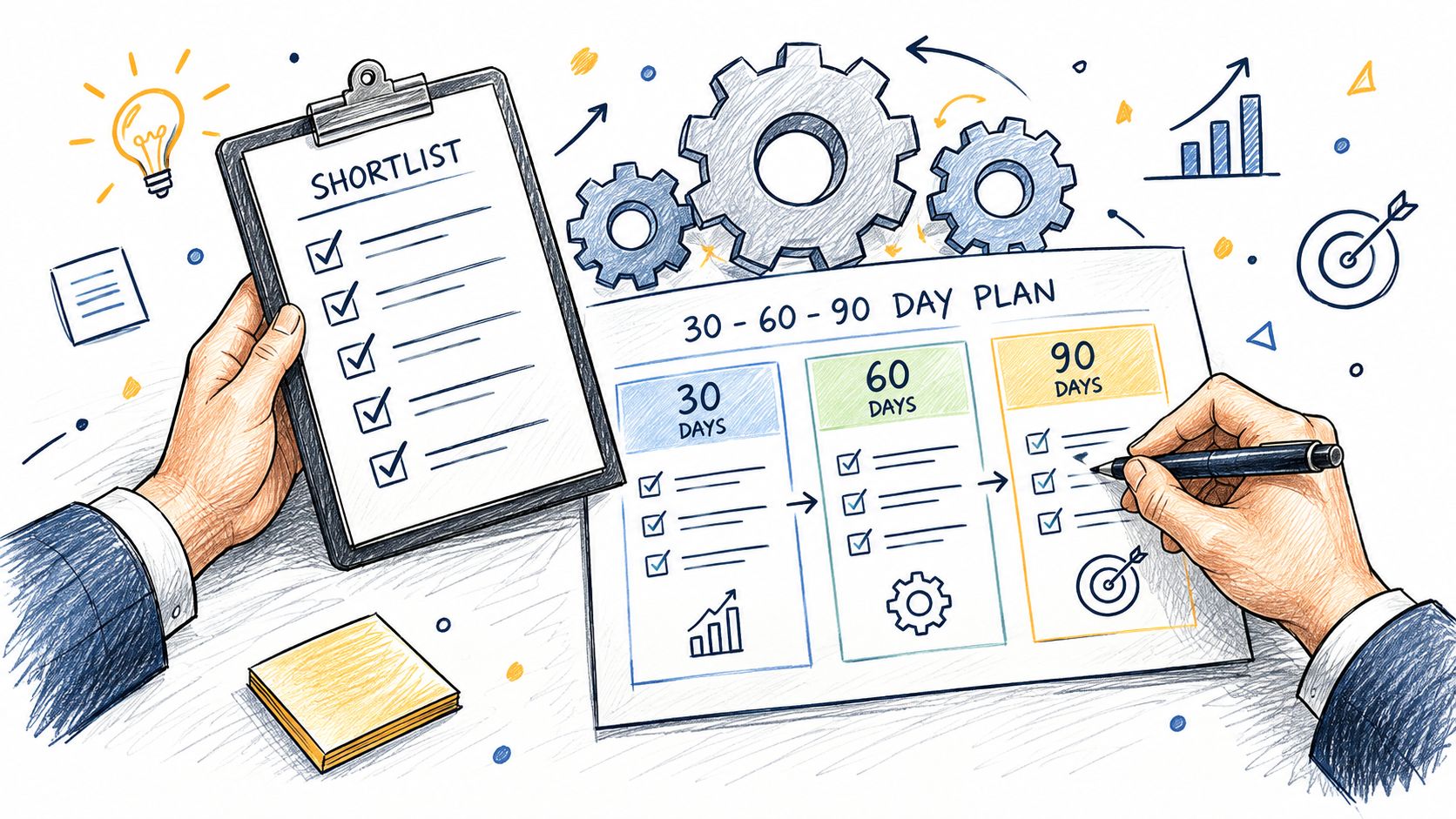
A 30-, 60-, or 90-day plan can organize the work, but it should not substitute for readiness. Expand when the workflow is proven, owners are trained, and exceptions have a response path. Keep a manual communication fallback while the process stabilizes.
Measure ROI and Avoid Common Pitfalls
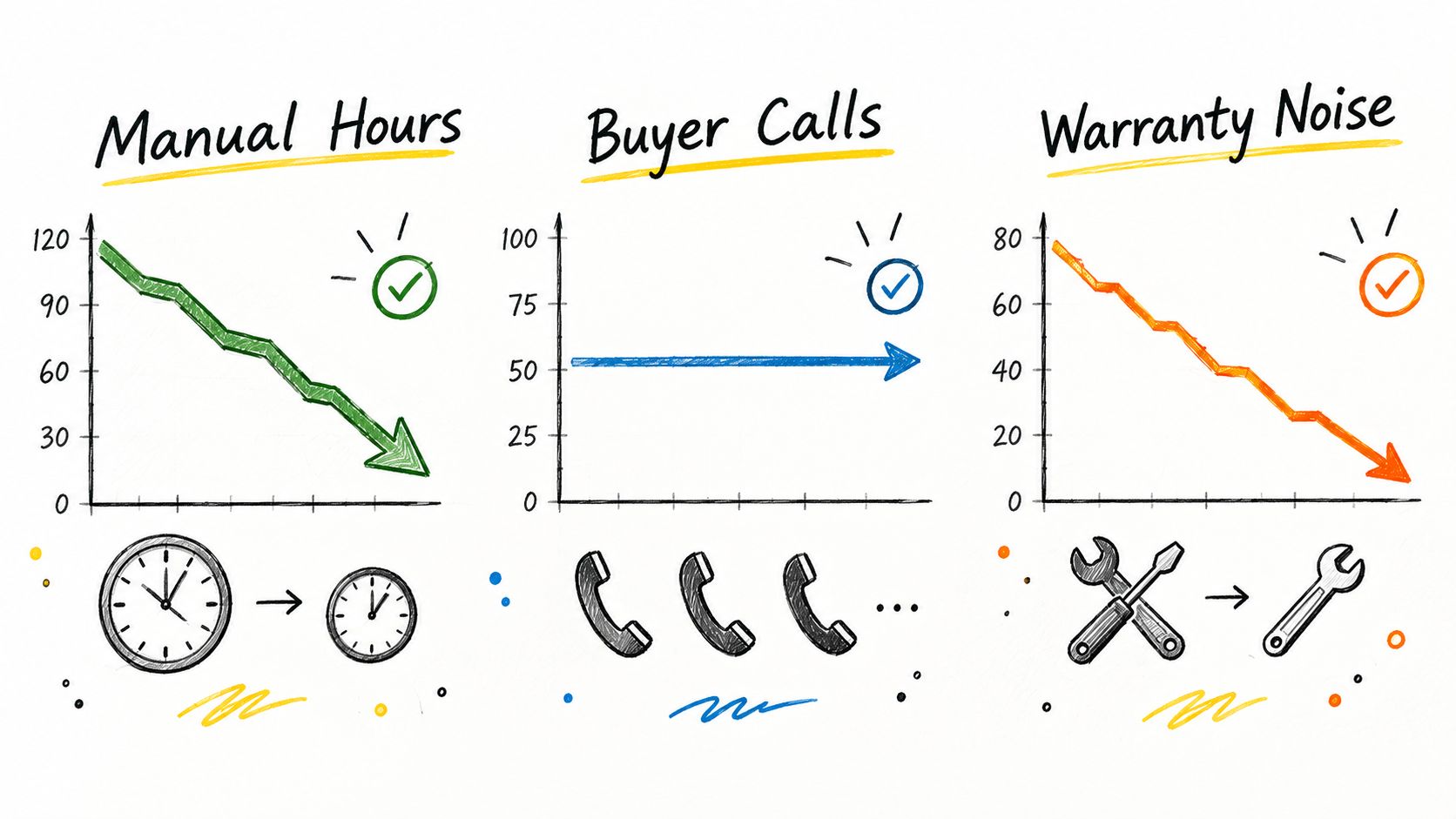
Measure the work before and during the pilot using comparable homes and construction stages. Count time spent capturing progress, verifying status, preparing updates, and answering repeated status questions. Include new administration and exception handling introduced by the software.
Track operational and communication results
Start with a small set of measures:
Net coordination time: Total staff minutes spent on the defined workflow per active home per week, including both field and office work.
Update freshness and reliability: Time from field verification to the approved downstream update, plus missed or failed updates.
Repeated status questions: Requests about information the customer should already have received, reviewed alongside whether customers can still reach the team easily.
Use construction measures, such as milestone delays or rework, when relevant to the pilot. Compare like-for-like work and investigate causes instead of attributing every change to the software.
To estimate capacity recovered, subtract pilot coordination minutes per comparable home from the baseline, multiply by the number of comparable active homes, and divide by 60. Avoid counting the same minutes again as both reporting savings and fewer phone calls.
Recovered time is not automatically payroll savings or additional revenue. Identify where it goes: more sales follow-up, better field coordination, or more proactive closing support. Compare the value with subscription costs, implementation effort, training, and ongoing administration.
Do not confuse fewer questions with fewer problems
A decline in customer contact is not a success when it reflects a harder-to-use communication channel. Likewise, progress visibility should not be credited with reducing construction defects without evidence.
At closing, preserve relevant documents, customer commitments, and unresolved items for Customer Care. Separate routine information requests from legitimate service needs. The objective is a complete handoff, not a lower request count at any cost.
The same discipline applies to adoption. Duplicate entry, unexplained dates, stale records, and unclear ownership are reasons to improve the workflow before expanding it, not reasons to ask employees to work around the software indefinitely.
Choose the system that makes progress dependable, exceptions visible, and the next action clear. Then connect that information to the people who need it, including the customer.
Foundation helps homebuilders connect verified operational information to the post-contract customer experience. Operator & Automation supports internal visibility and customer communication, while Closing Concierge gives customers a builder-branded place for milestones, updates, documents, and next steps. The role is to complement the systems managing construction, not replace the schedule or the team's judgment. Integration scope and workflows should be confirmed for each builder.
More from Foundation

Technology
What's New - October 2026
From request to resolution, faster. October’s updates make it easier for Customer Care teams to move from intake to action with fewer clicks and more context.
Oct 28, 2026

Technology
What's New - September 2026
WarrantyOS, from work order to payment. September’s updates bring more of the day-to-day warranty workflow into one connected experience.
Sep 30, 2026

Marketing
New Home Portal: A Builder's Guide to the Buyer Journey
Learn what a new home portal is, the core features builders need, and how it shapes the buyer-to-owner experience across closing and early ownership.
Sep 16, 2026